
1.6 KiB
XP-System Documentation
Before learning how to use this software. Be sure to set up the site by reading README.md.
Once you have completed the setup and are ready to use the software follow theses steps:
Register a Teacher
The site needs a Teacher for managing classes/assignments within those classes. To create a Teacher:
- Have your site Admin login
- To the right of the page is the main panel. Click the
Create Teacherbutton.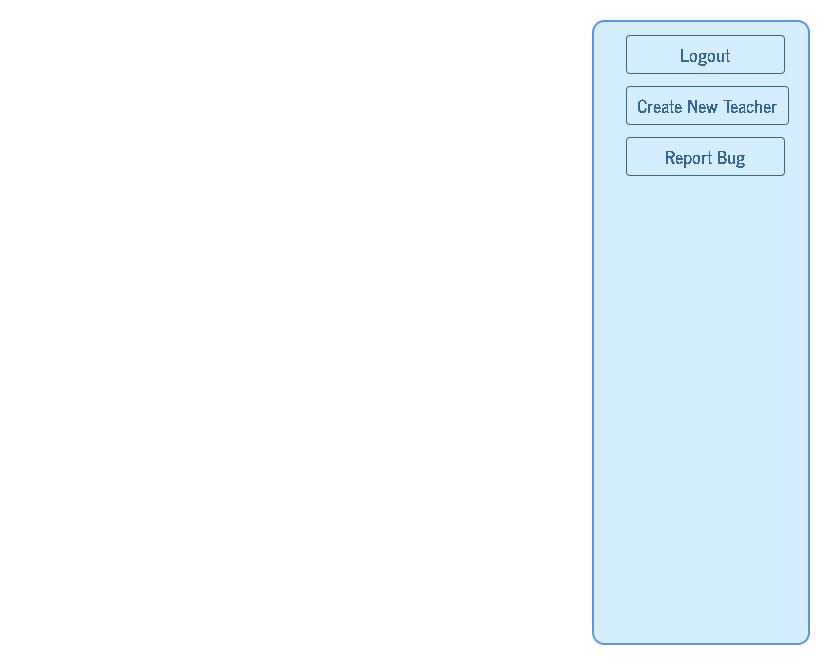

Setting up site Admin
There is no default site admin so you will need to set one up. To set up a site Admin:
-
You'll need to create the site admin in the database in a collection called users, and insert a document via MongoDB Compass. Format the document as shown:
{ "role": "Admin", "name": your name, "email": your email, "password": your encrypted password } -
Replace
your namewith the name you specify,your emailwith the email you would like to use to login, and replaceyour encrypted passwordwith your Encrypted Password
The ID for your admin document should be auto generated by MongoDB Compass when you insert the document.
It's that easy! Now that the site Admin has been created the software is ready to use.
Encrypting Your Password
- To encrypt your password while creating the admin account. Go into the
configfolder, - follow the instructions in encrypt.js and run encrypt.js via node
node encrypt.js